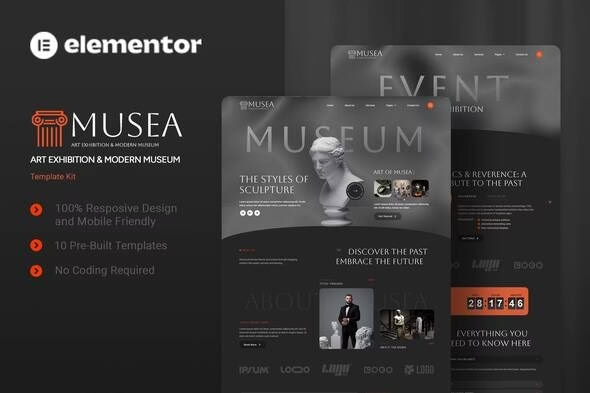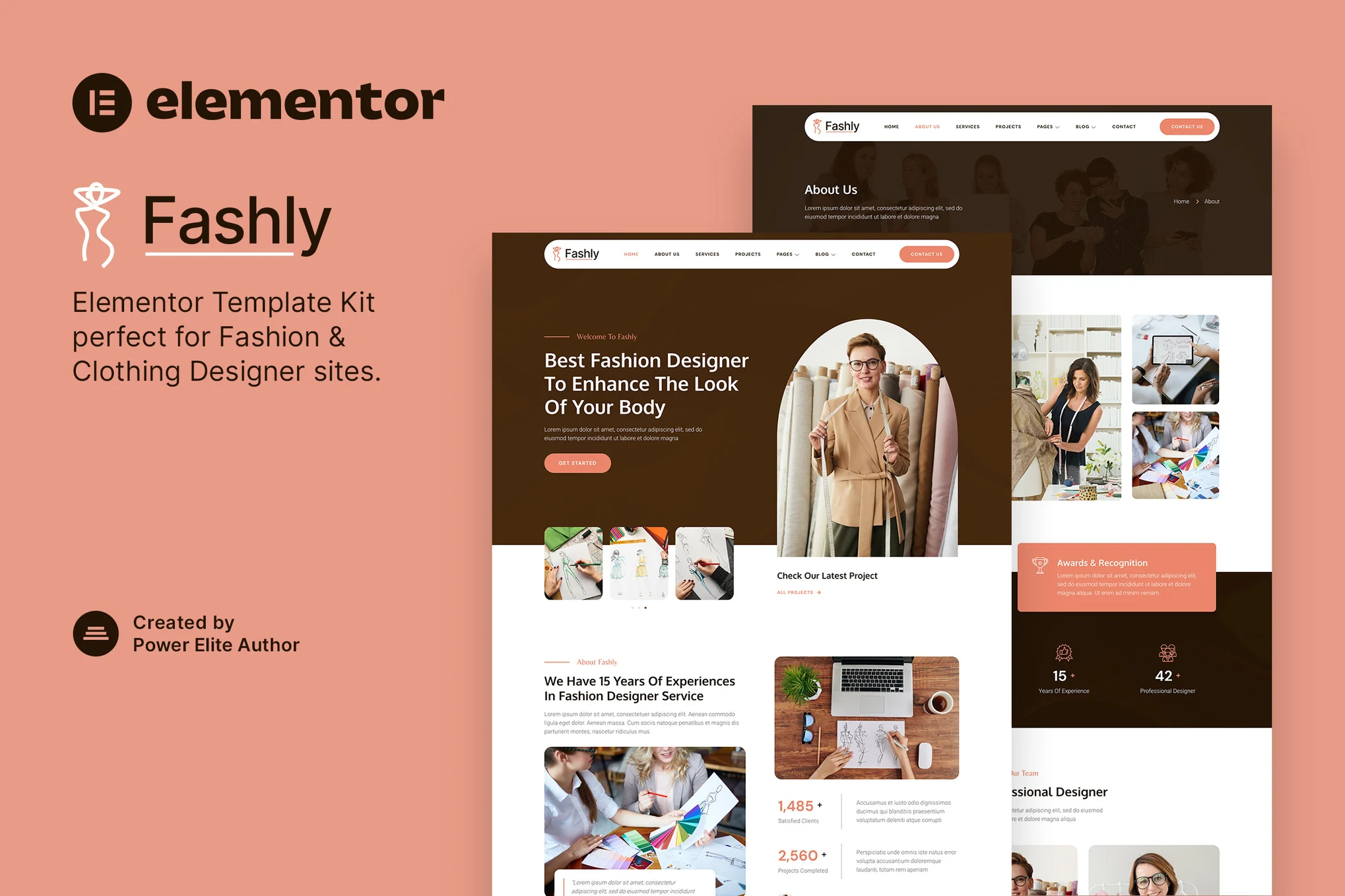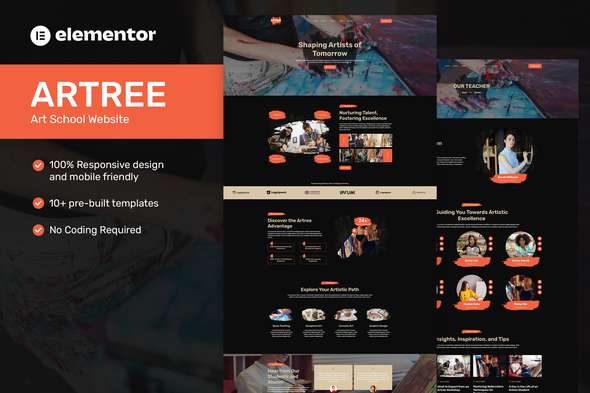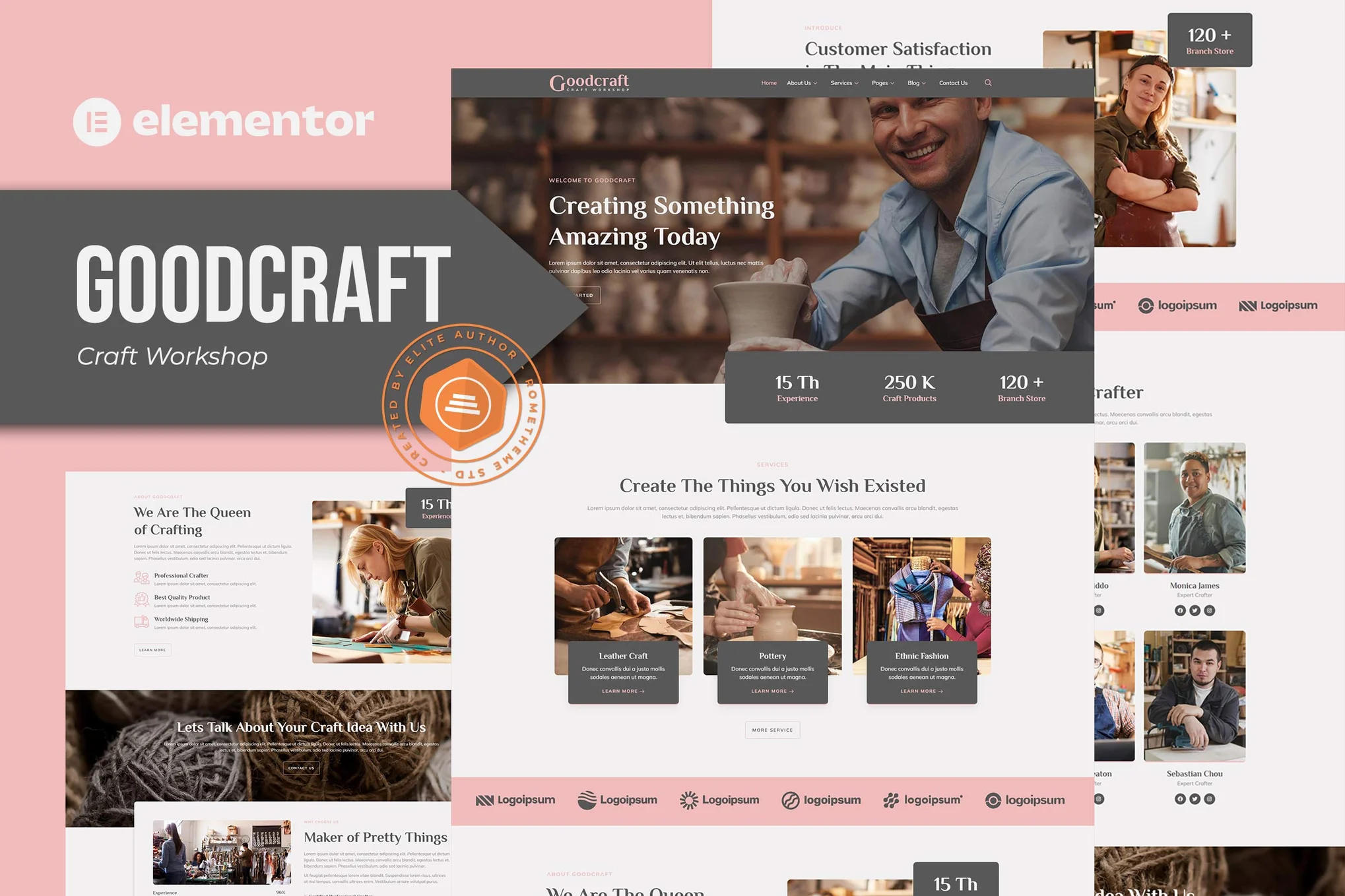


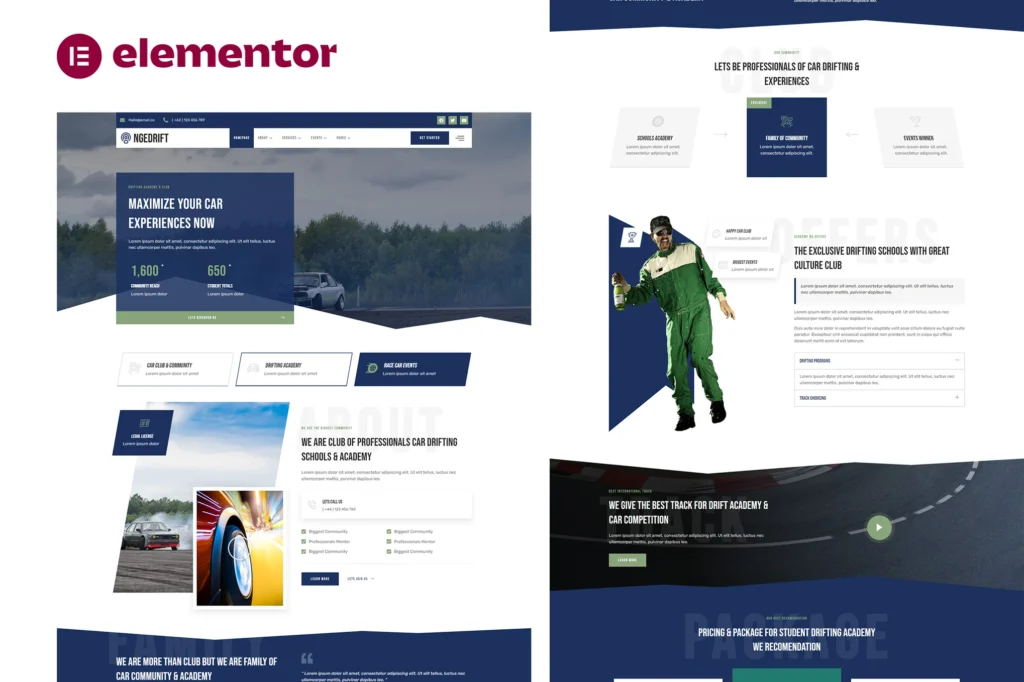
Description of Drifting School Academy & Car Club Elementor Template Kit
Drifting School Academy & Car Club Elementor Template Kit is a collection of layouts for the Elementor page builder WordPress plugin, designed for use with Elementor Free Version for a clean Design. Drifting School Academy & Car Club Elementor Template Kit works with most themes and is optimized for use with the free Hello Elementor theme.
No Pro upgrade required
27 Import Templates Ready For Use :
- Homepage
- About Us
- Our Club
- Our Team
- Our Services
- Detail Service
- Our Pricing
- Program & Step
- Insurance Partner
- Our Events
- Our Gallery
- Contact Us
- FAQ
- 404
- Blog
- Single Post
- Global Style Kit
- Block – Off Canvas Content
- Block – Header
- Block – Footer
- MetForm – Contact Form
- MetForm – Subscribe Form
- MetForm – Question Form
- MetForm – Services Quotation Form
Template Features
- No Pro Plugin Needed
- True No Coding Required
- Global Theme Style
Required Plugins installed with kit
- Elements Kit Lite
- MetForm
- Premium Addon For Elementor
How to Use Template Kits:
- Install and Activate the “Envato Elements” plugin from Plugins > Add New in WordPress
- Download your kit file and Do not unzip
- Go to Elements > Installed Kits and click the Upload Template Kit button. You may also import automatically by clicking Connect Account to link your Elements subscription, then import under Elements > Template Kits.
- Check for the orange banner at the top and click Install Requirements to load any plugins the kit uses
- Click import on the Global Kit Styles first
- Click Import on one template at a time. These are stored in Elementor under Templates > Saved Templates.
- Go to Pages and create a new page and click Edit with Elementor
- Click the gear icon at lower-left of the builder to view page settings and choose Elementor Full Width and hide page title
- Click the gray folder icon to access My Templates tab and then Import the page you’d like to customize.