
Demo https://elements.envato.com/responsive-zoom-inout-slider-wordpress-plugin-WWBM74F
Description of responsive zoom in out slider wordpress plugin
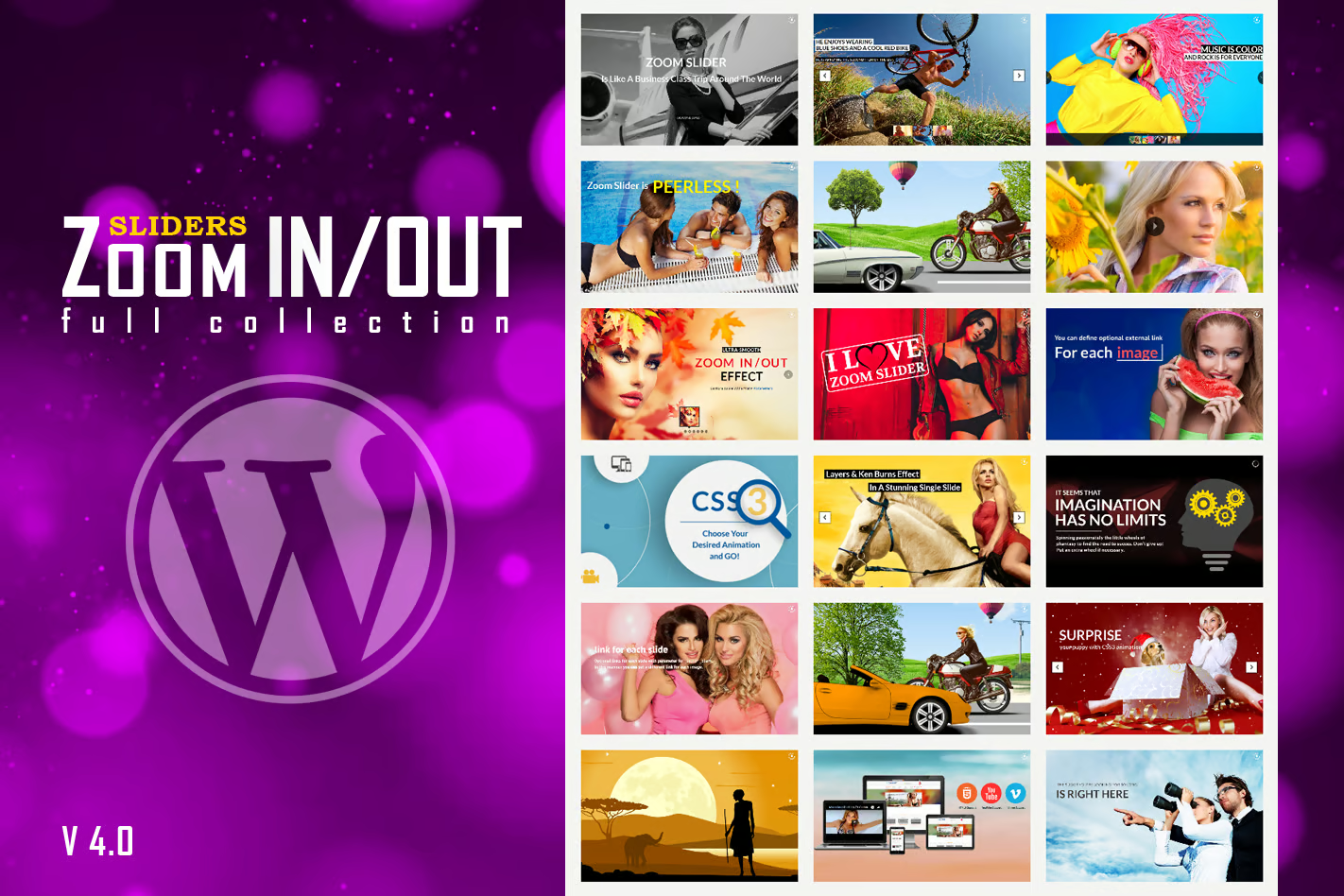
Create eye-catching and dynamic sliders with the Responsive Zoom In/Out Slider WordPress Plugin, designed to bring your website visuals to life. This plugin allows you to add smooth zoom in and zoom out effects to your images, making your sliders more engaging and visually appealing.
With the Responsive Zoom In/Out Slider WordPress Plugin, you can easily build professional sliders without any coding knowledge. The plugin offers a simple interface where you can upload images, arrange slides, and apply zoom animation effects in just a few clicks. It’s perfect for showcasing banners, portfolios, products, or featured content.
You have full control over customization, including slider speed, transition effects, autoplay settings, and navigation controls. The zoom animation adds depth and motion, creating a modern and immersive experience for your visitors. The Responsive Zoom In/Out Slider WordPress Plugin also ensures smooth performance across all browsers.
Fully responsive and mobile-friendly, the slider adapts perfectly to different screen sizes, ensuring a seamless experience on desktops, tablets, and smartphones. It is optimized for speed and performance, so your website remains fast while delivering stunning visuals.
FEATURES:
- Ultra-smooth Zoom In/Out Effect – on all major browsers, in any combination: left, center, right with top, center, bottom. The zooming & panning effect it is also known as ‘Ken Burns Effect’, according to wikipedia http://en.wikipedia.org/wiki/Ken_Burns_effect
- animated layers from any direction – top, bottom, left and right. CSS and HTML formated
- CSS3 animations – over 180 prebuilt CSS3 animations for layers
- Responsive Design – Available parameter to disable responsive behavior.
- 3 Predefined Skins – Opportune, Majestic, Generous
- Touch Screen Navigation – support for mobile
- Mobile Compatible – It is compatible with IOS and Android operating systems.
- 2 types of transition – between slides to choose from: FADE TRANSITION or SLIDE TRANSITION
- Zoom In/Out Effect initial zoom and final zoom parameters for each image
- Zoom In/Out Effect duration parameter
- parameter to disable Zoom In/Out Effect.
- circle timer parameters for color, dimensions, transparency
- animated text from any direction: top, bottom, left and right. CSS and HTML
- it supports YouTube & Vimeo
- it supports links for each image with parameter for _self or _blank
- width & height parameters
- autoplay parameter
- loop parameter
- show/hide controllers parameter
- show/hide bottom navigation parameter
- you can insert multiple instances in the same page
VIDEO TUTORIAL:
- You’ll find detailed video tutorials, in the help documentation