
The Radio Player Shoutcast & Icecast WordPress Plugin plugin is designed for WordPress site owners, designers and developers. Install it like any WordPress plugin and configure it from your dashboard, without writing code.
Key features
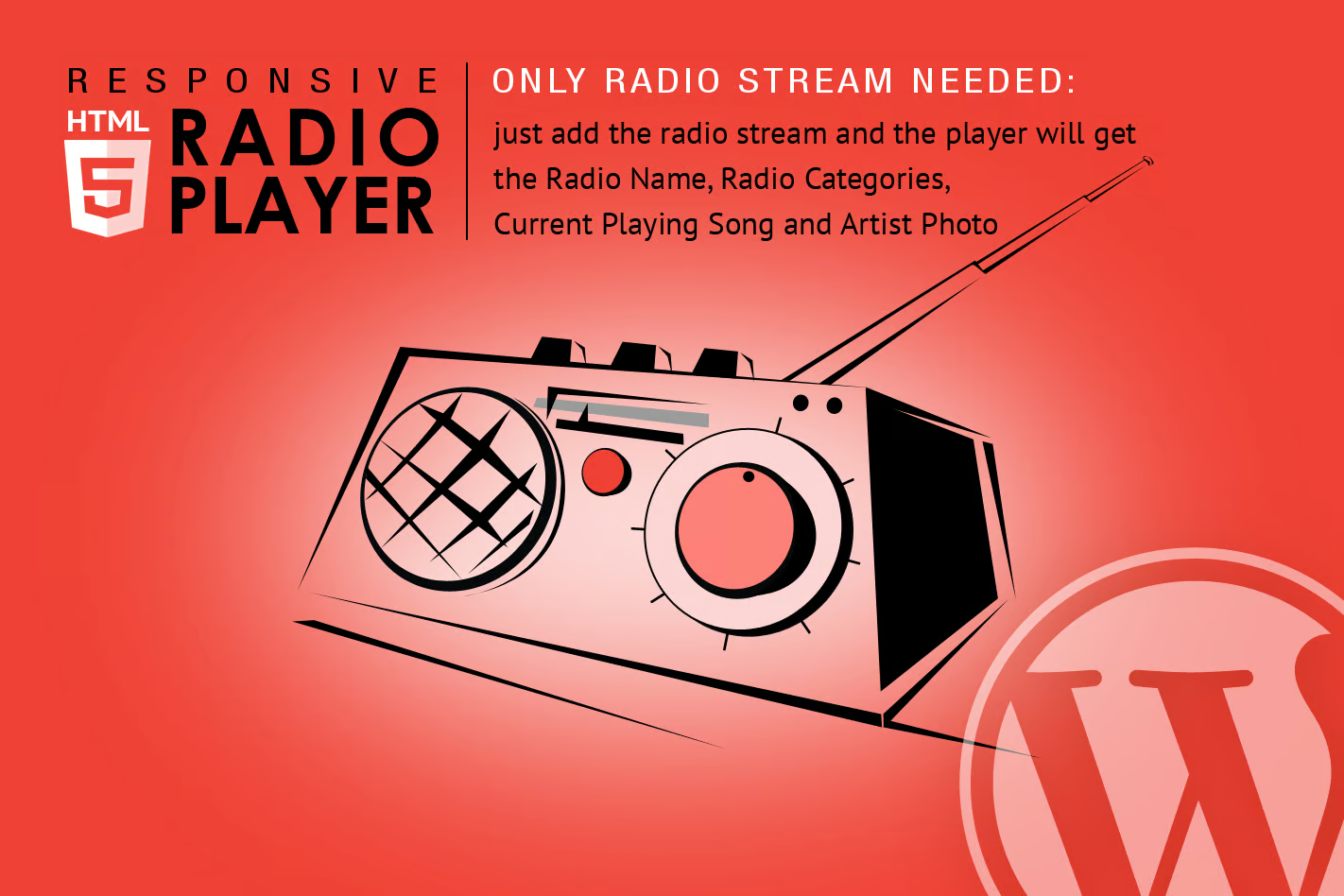
- Only Radio Stream Needed – Just add the radio stream and the player will get radio name, radio categories, current playing song and artist photo
- Mobile Compatible – It is compatible with IOS and Android operating systems.
- Playlist Search – You have the option to search the playlist
- Show/Hide Playlist – Button to show or hide the playlist
- Share – You can share the radio player on Facebook and Twitter
- Option To Manually Set Radio Name And Categories Name – If needed, you have the option to manually set the radio name and categories name
- Multiple Instances – You can insert multiple radio players on your website or on the same page.
- Show/Hide Buttons – You can set as visible or set as hidden: playlist, volume, share buttons
- The autoplay will not work because IOS disables autoplay feature and it can’t be controlled from JS
- Volume controllers will not work on IOS
Frequently asked questions
How do I install this plugin?
Go to Plugins → Add New → Upload Plugin in WordPress, upload the ZIP file and click Activate.
Will it work with my theme?
It is designed for standard WordPress sites. Test it on a staging copy of your site first if you use many other plugins.
What you get from SrinathCode
- The Radio Player Shoutcast & Icecast WordPress Plugin plugin files under the GPL licence
- Instant download right after payment of ₹99
- Use on your own and client websites
- Or get this and every other product with an unlimited membership plan
Note: SrinathCode distributes this plugin under the GPL licence. It is not sold or supported by the original developer, and their official support, licence key and automatic updates are not included.